The offline dictation app
on all 4 platforms.
Windows. Android. iOS. macOS.
VoicePad AI is an offline voice dictation app that converts speech to text using on-device Whisper AI — with zero network calls, no cloud uploads, and no telemetry. One-time purchase, no subscription. Available for Windows, macOS, Android, and iOS, with full English and German support.
Try free for 14 days · No credit card · No account · Start speaking in 30 seconds
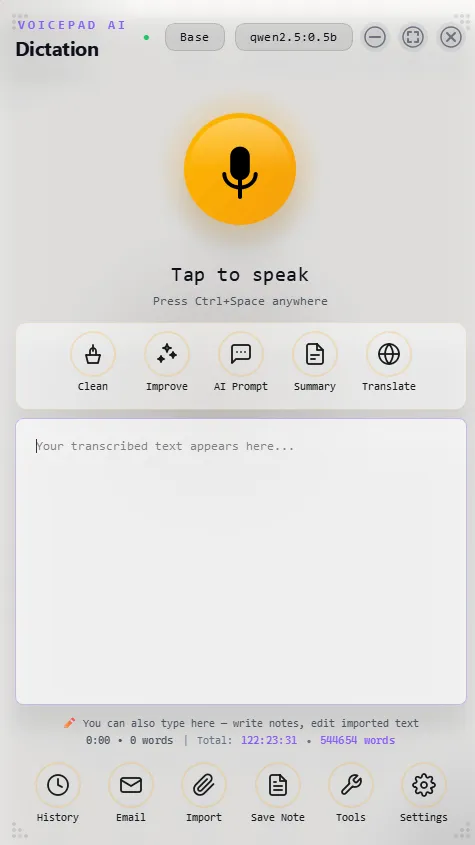
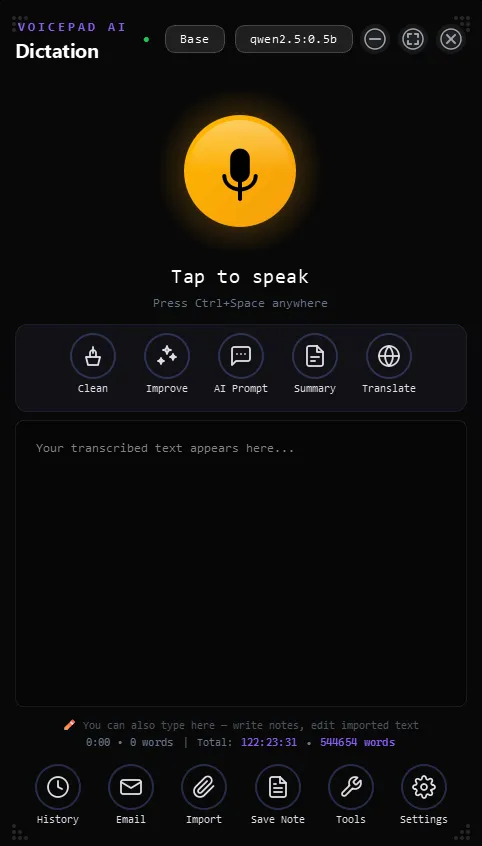
VOICEPAD ORB
Speak. Paste anywhere.
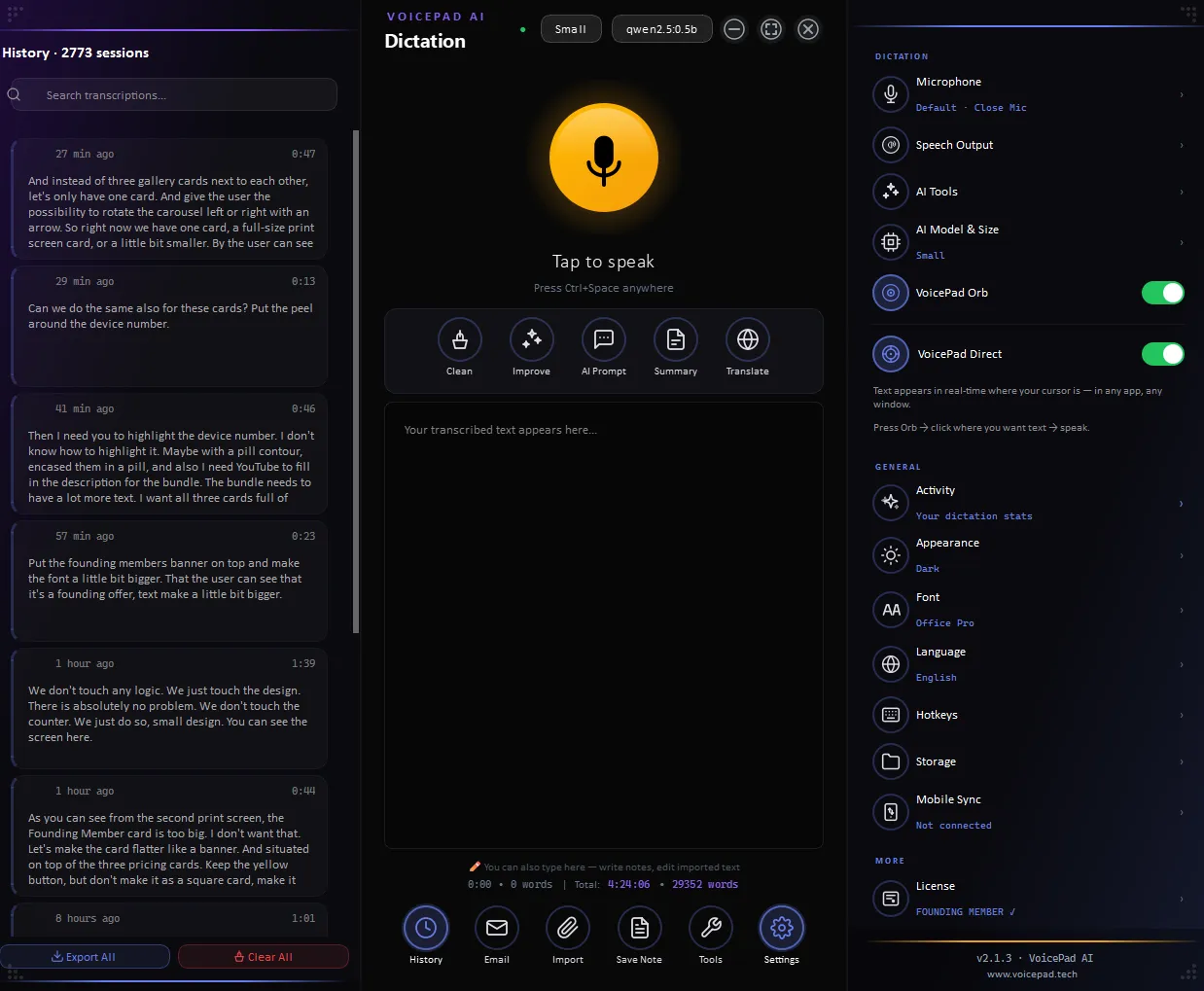
Tap the orb, speak, stop. Your text lands on the clipboard, ready to paste. Emails, notes, documents — write once, paste where you want.
VOICEPAD DIRECT
Click. Speak. Watch text flow.
Click into any text field — Gmail, Word, your AI chat. Tap the orb and speak. Text flows in real-time, character by character. The session stays open until you end it.
Watch VoicePad in action
Real dictation. Real platforms. Real time.
VOICEPAD MOBILE
Dictate into any app, right from your phone.
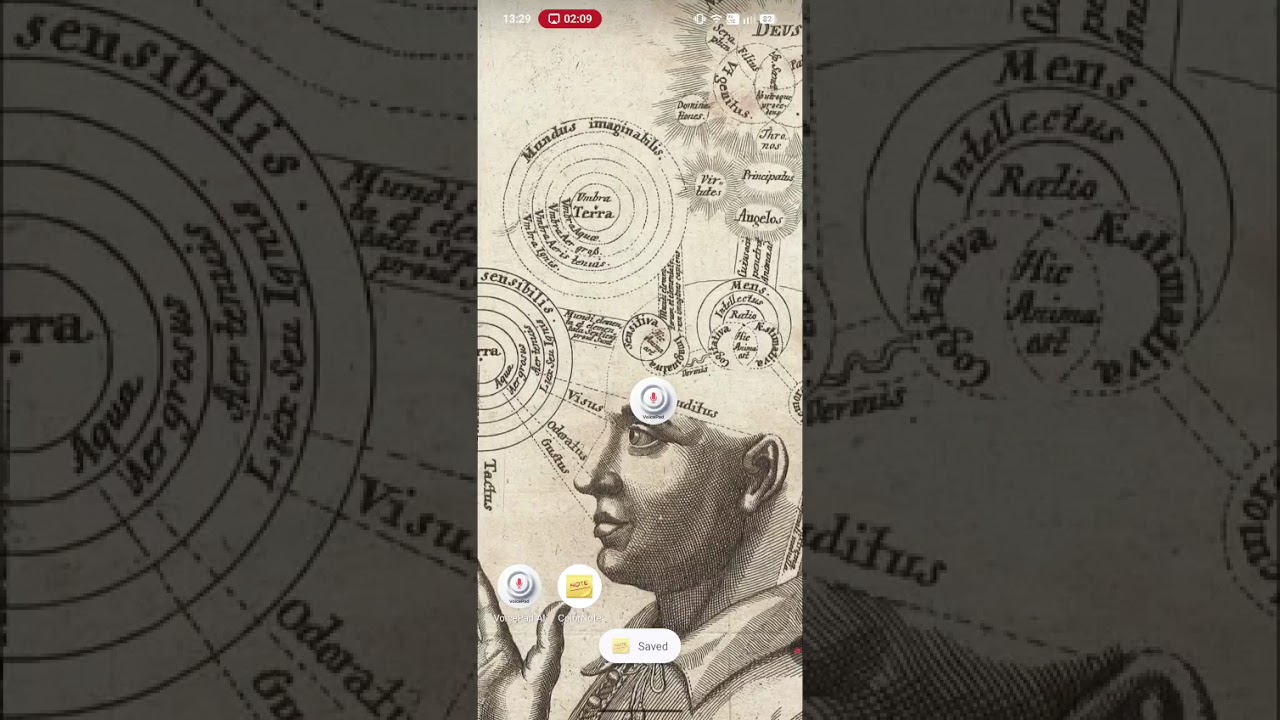
The floating Orb sits on top of any app — tap, speak, done. Or switch on VoicePad Direct, a real system keyboard, and your voice types into the field. Same on-device Whisper engine as the desktop, base model just 142 MB. 100% offline.
- ✓ Orb — floats over every app
- ✓ Direct — a real system keyboard
- ✓ On-device Whisper · EN + DE · 100% offline
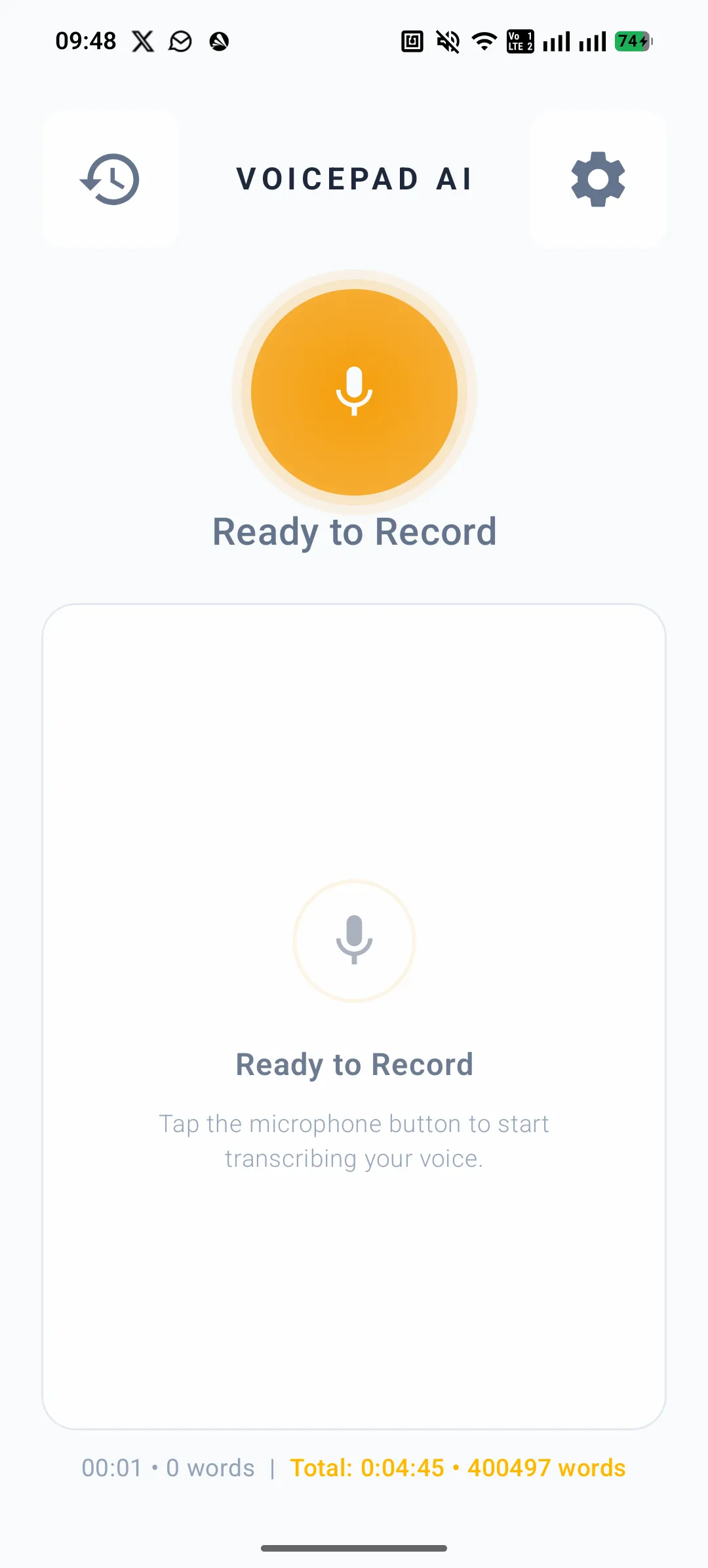
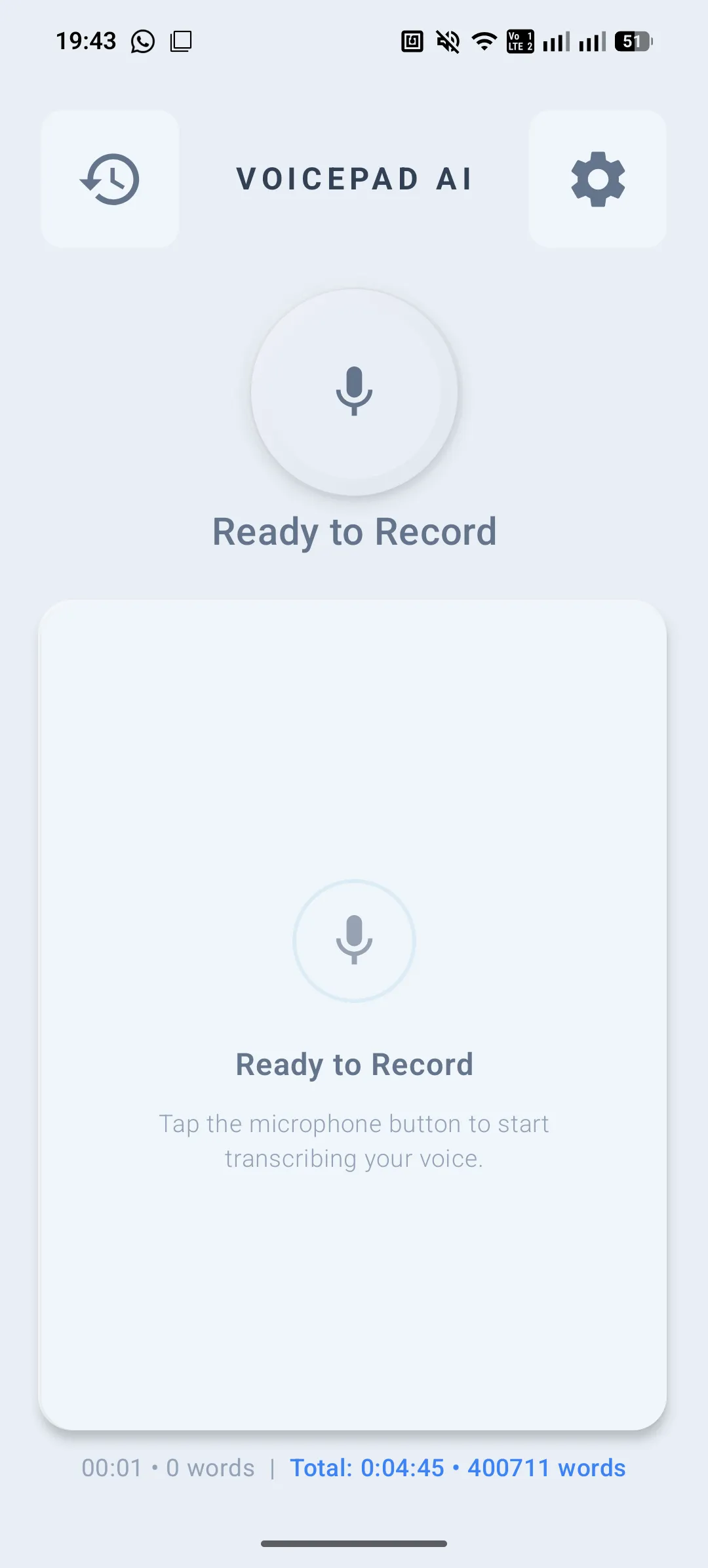
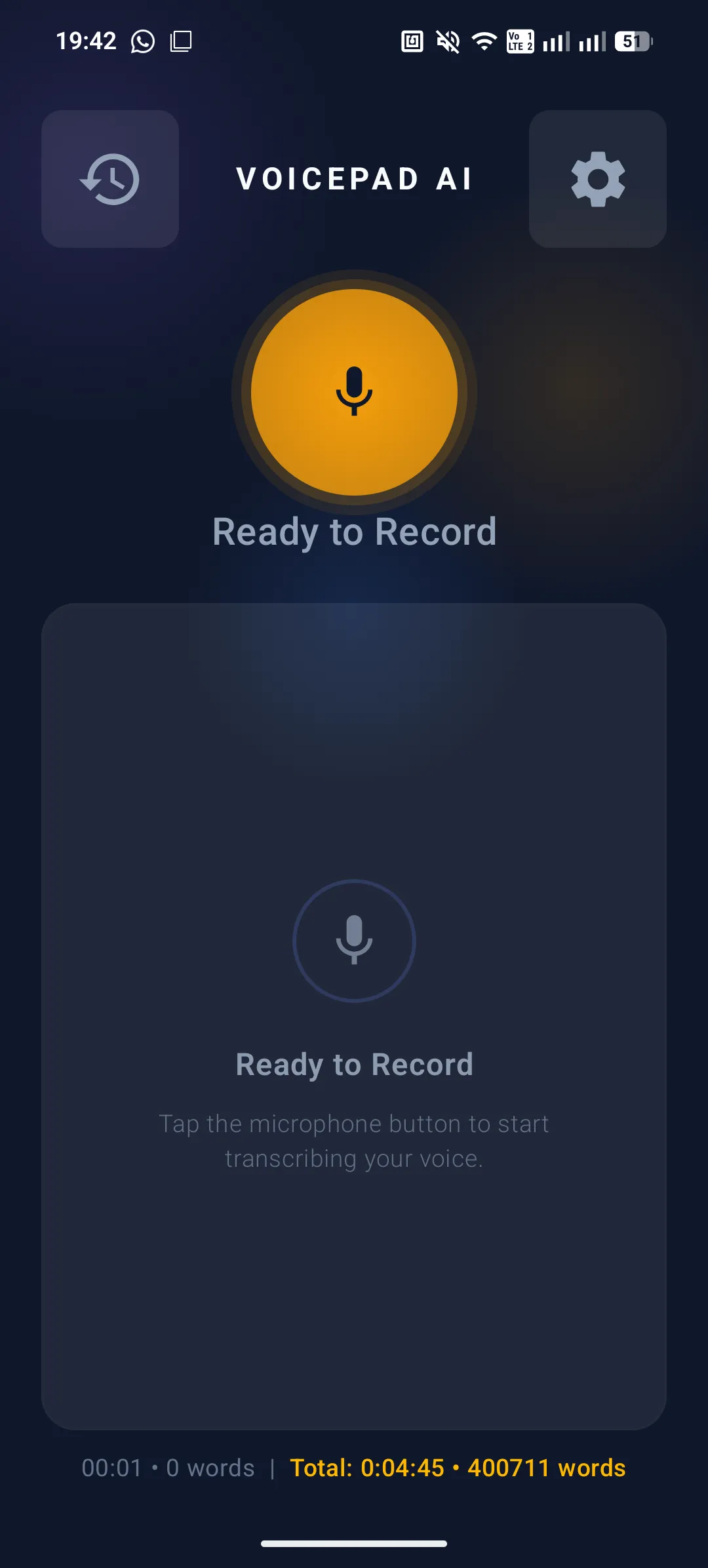
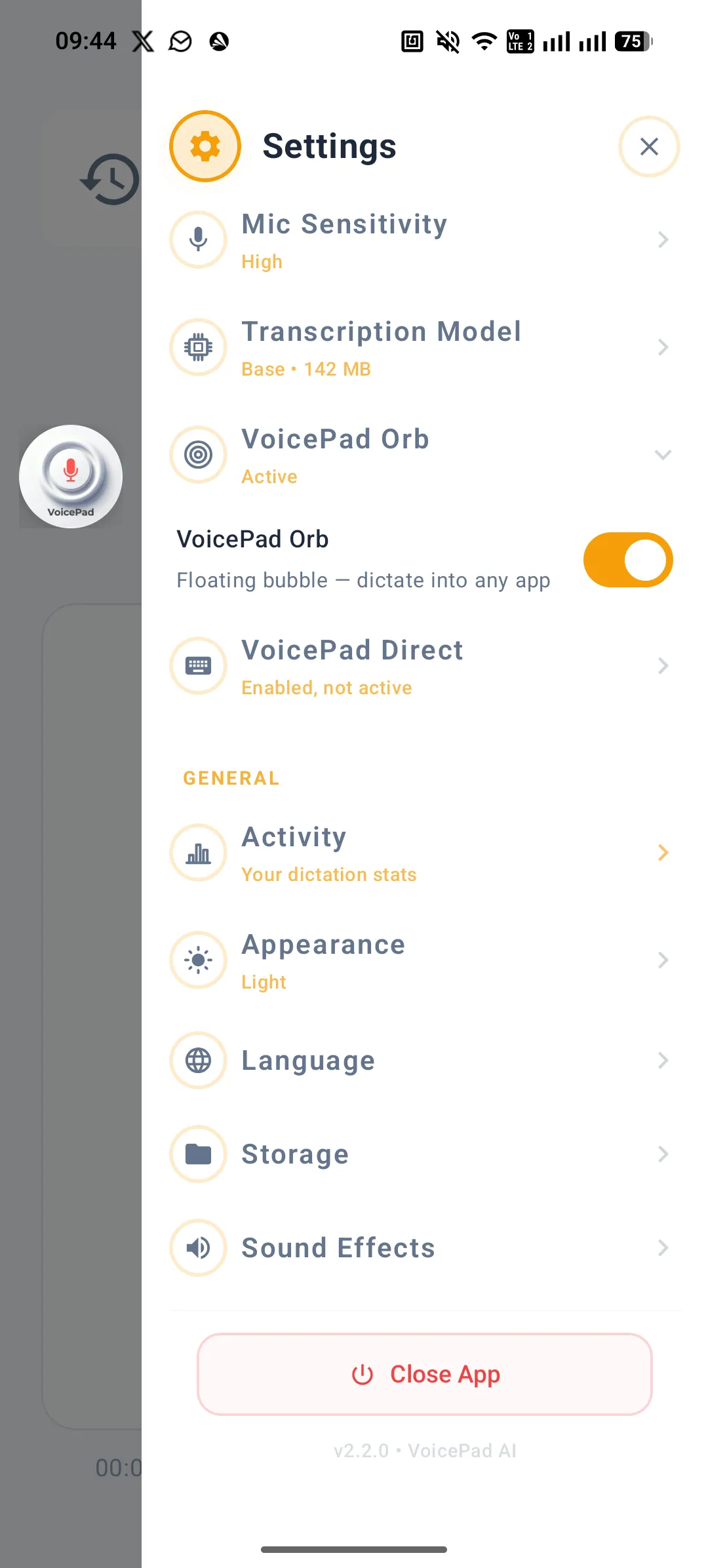
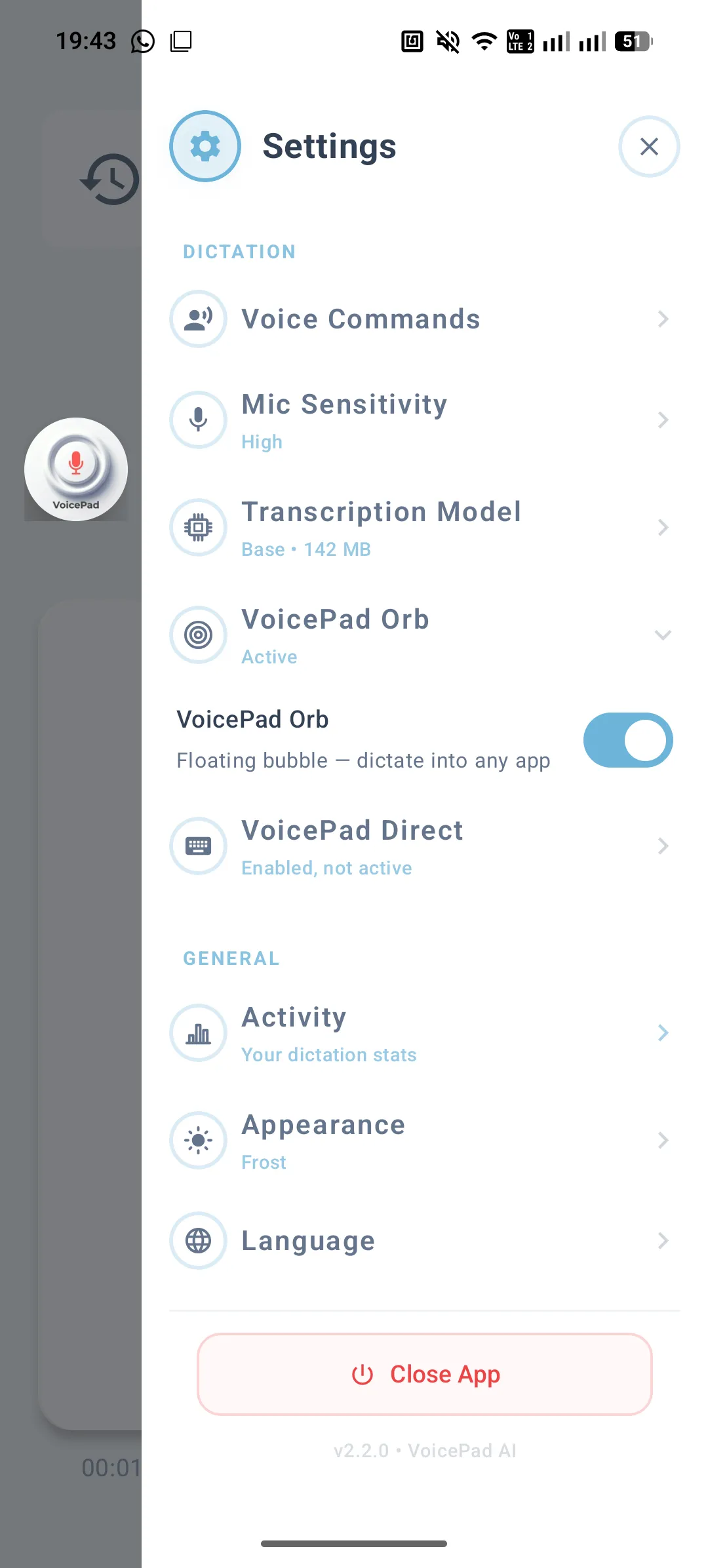
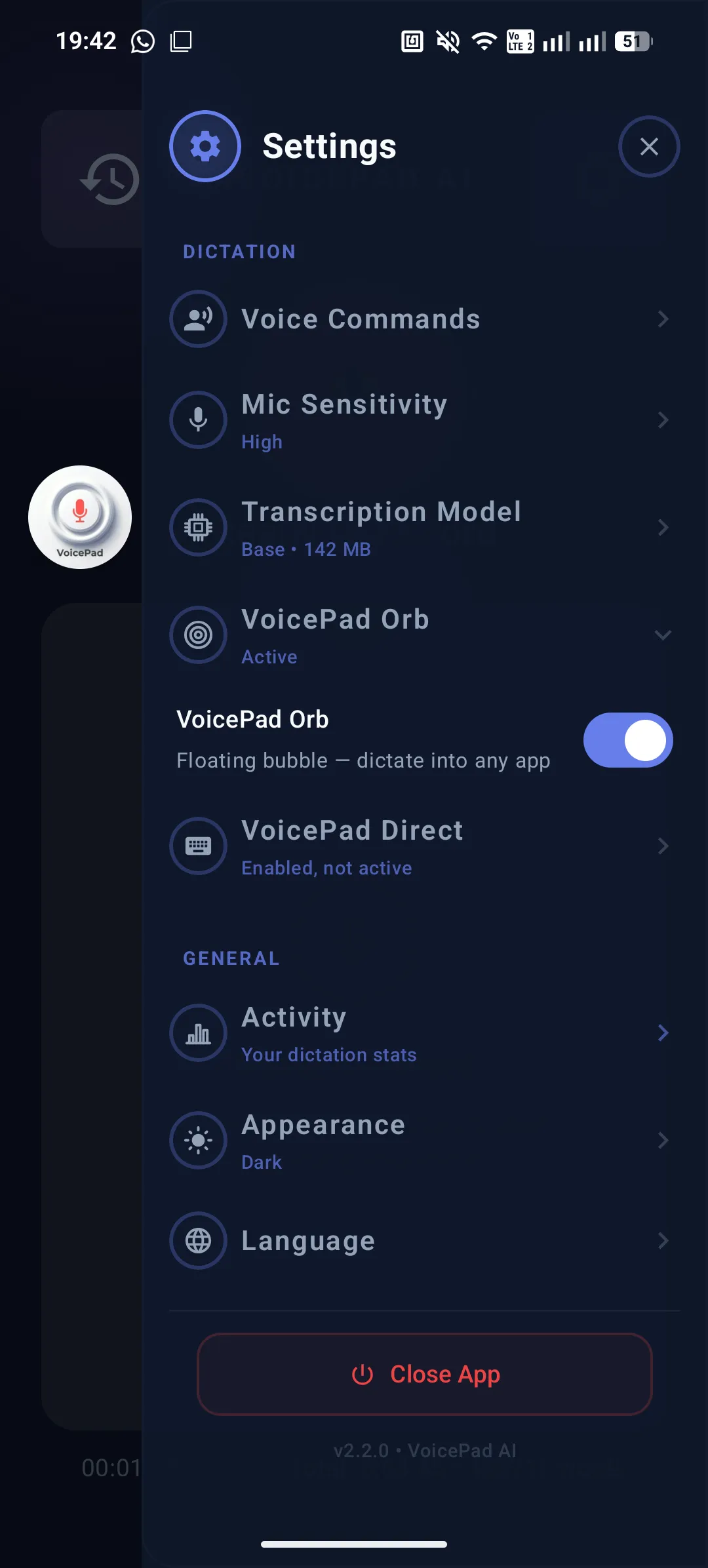
LIGHT
Voice dictation that replaces your keyboard.
100% offline.
VoicePad is an offline voice dictation app that turns speech into clean, polished text with Whisper AI — running entirely on your PC or phone. No cloud, no subscription, no limits. The fastest speech to text experience you can have without sending a single byte to any server.

100% Offline & Private
Your voice never leaves your device. No cloud, no servers, no data ever sent anywhere. DSGVO compliant by design. The only voice typing solution that is private by architecture, not by policy.

English + German
English and German fully supported (voice commands, formatting, UI), with more languages coming.


Works Across All 4 Platforms
Windows, Android, iOS, macOS. One license. Up to 4 devices. WiFi sync keeps everything in one place.
→ WiFi sync setup guide
Dictate Into Any App
The VoicePad Orb floats over every app on your screen. Speak. Stop. Text appears exactly where your cursor is.
⚡ VoicePad Direct — the Orb with superpowers. Press Orb, click anywhere in Gmail or Word, speak — text flows directly there in real-time. No paste needed.

AI Tools — Locally
Clean, improve, summarize, translate — powered by a free local AI engine. No API key. No account. No internet. Everything runs on your own machine. (Required for AI Tools. Dictation works without Ollama — but AI Tools need it installed.)
→ How to set up Ollama
Works in VS Code, Cursor & Claude Code
Dictate code comments, commit messages, documentation — VoicePad AI injects text into any app including your IDE. No plugin needed. Just speak.
→ Developer tipsThe first 1,000 users have spoken.
What our Founding Members say after putting VoicePad to work.
"The floating Orb is such a smart idea — flicked it on in VS Code and it just dumped clean text right where my cursor sat, no fuss. Love that it's fully offline too."
"So, I am very impressed with your program, and I'm going to give you a good feedback."
"A really nice app, still testing it. Thank you."
"There's something about this app that stands out among the many in this class for a blind person like me who relies on the screen reader… it's a huge +!"
"I'm actually writing this whole comment using your app and I think it works pretty well. I'm not a native speaker."
"This is awesome! I tend to think of things while driving, so this could be super helpful for me. I'm going to go try it out right now!!"
"I think this does it better with both monetization and platform support."
"This is 100% awesome!"
"I installed it here and I think it's very good."
"The app is really good."
"Offline voice-to-text is a solid feature. Privacy is a big deal for many users."
"I've downloaded it and I'm using it — it's great."
"I just tested it and I am amazed how accurate it is. English is not my native language, but it does a very good job. PS, I am writing this with your application!"
"Nice to see it's genuinely on-device. Base Whisper is a smart call, and layering the VAD and hallucination filtering on top is probably what saves the accuracy."
"Just TV in background and kids being kids 😁 worked 😁"
Dark, Light & Frost. What you see is what you get.
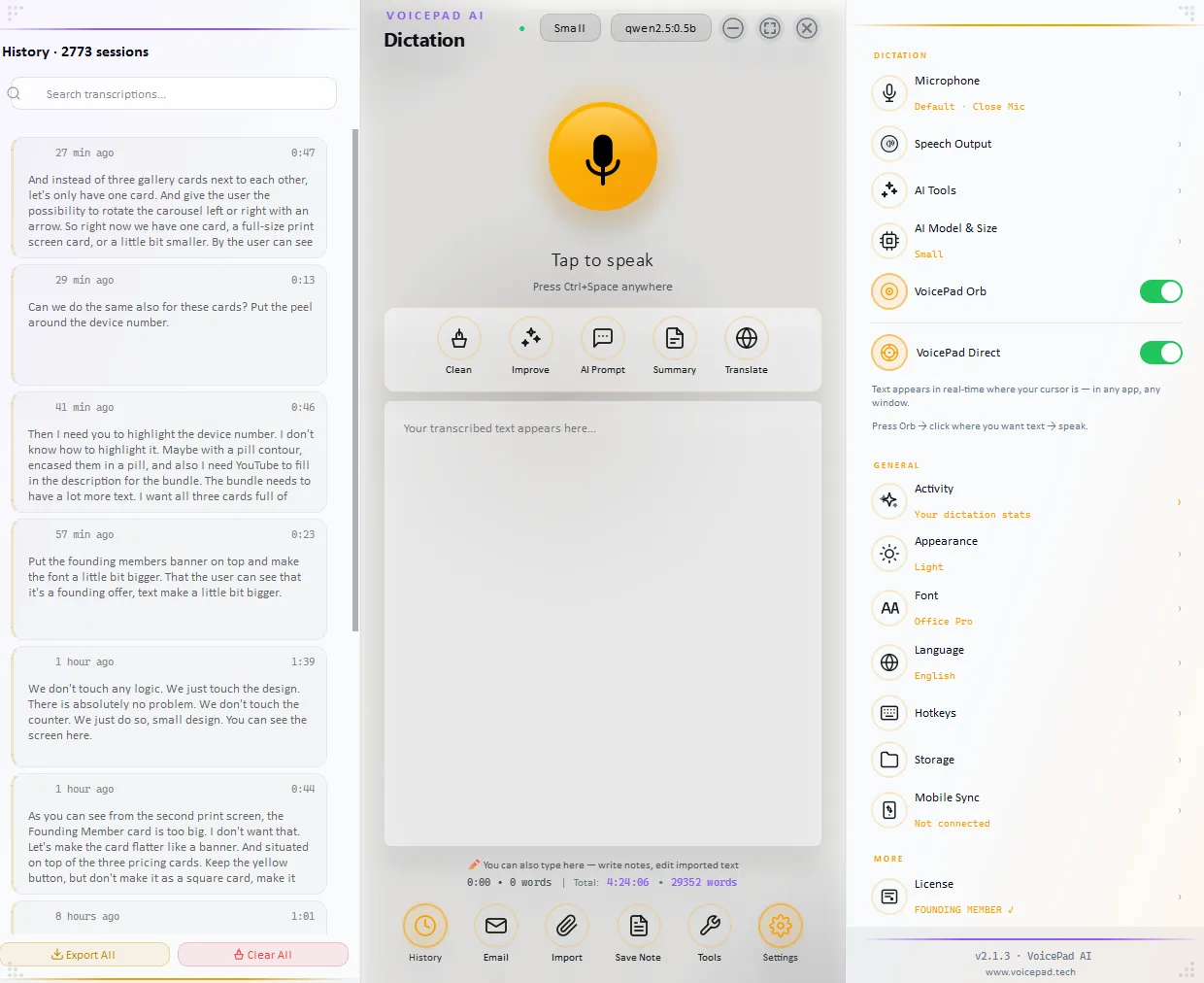
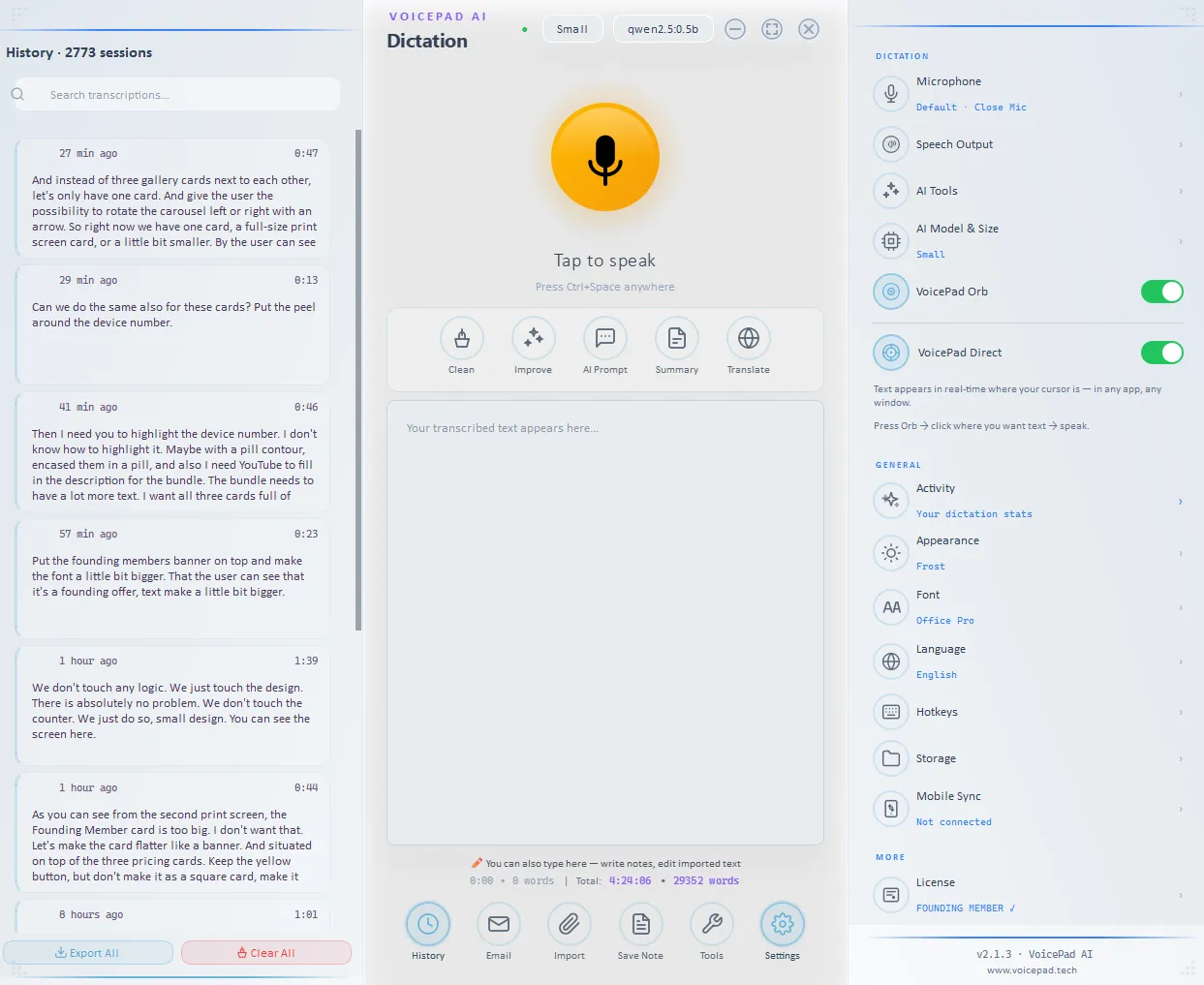
How VoicePad stacks up
No cherry-picking. Here's how VoicePad compares to every major dictation app — cloud, offline, and Big Tech alike. Facts verified July 2026.
| Feature | VoicePad | Wispr Flow | superwhisper | Voibe |
|---|---|---|---|---|
| All 4 platforms | ✓ | ✓ | ✗ | ✗ |
| 100% Offline | ✓ Always | ✗ | ✓ +cloud | ✓ |
| No subscription | ✓ | ✗ | ✓ lifetime | ✓ |
| Not Big-Tech | ✓ | ✓ | ✓ | ✓ |
| Windows | ✓ | ✓ | ✓ | ✗ |
| Mac | ✓ | ✓ | ✓ | ✓ |
| Android | ✓ | ✓ cloud | ✗ | ✗ |
| iOS | ✓ | ✓ cloud | ✓ | ✗ |
| Price | 14-day trial · from €9.99 | €12/user/mo · free tier | free / ≈€7.80/mo · ≈€230 lifetime | ≈€6.90/mo · ≈€139 lifetime |
| Privacy | Zero data leaves | Cloud (SOC2) | Local + cloud | Local |
| Languages | EN + DE full support · more coming | 100+ | 100+ | Multi |
| RAM | ~150MB | cloud | on-device | on-device |
| DSGVO | ✓ By design | SOC2, US | local opt | local |
Notes: Voibe = Mac-only. Otter.ai = meeting transcription, not keyboard dictation. Dragon = Windows-only (Mac discontinued 2018, consumer ended 2023). Murmur = Windows-only, Whisper-based. Eloquent = Google AI Edge, Mac+iOS only.
Windows, Android, iOS & macOS. Same power.
Full feature parity. 100% offline on all platforms. Each platform sold separately — free trial, no card needed.
You're the customer, not the product. No ads, ever — on any platform.
Recommended Whisper model: Base on iOS & Android
Small/Medium on Windows & macOS.
Windows
● Available NowThe dictation tool that lives above every Windows app. Outlook, Word, Teams, your browser, your IDE — the orb floats, you talk, the text lands in the field you were on. Offline, all models from Base to Large.
Android
● Available on Google PlaySystem-wide dictation that injects directly into any app. Tap the orb, speak, watch the text land in WhatsApp, Gmail, Notes, your browser — wherever your cursor is. No cloud, no subscription, works in airplane mode.
iOS
● Available on App StoreYour voice never touches a server. Pure on-device Whisper, no account, no telemetry, no "AI training" disclaimer in the privacy policy. Syncs your dictations to Mac or PC over local WiFi. Now on the App Store.
macOS
● Available NowBuilt native for Apple Silicon, the way Mac apps should be. Notarized and signed — download, drag to Applications, done. Ollama-ready when you want a local LLM in the loop. No subscription, no cloud, ever.
Prices shown excl. VAT. App-store prices may include local tax.
Join the first 1.000
Be early. Get lifetime FREE access + exclusive benefits. When they're gone, they're gone.
WHY ON-DEVICE
Private by architecture — not by promise.
Every cloud dictation app asks the same thing: trust our privacy policy. VoicePad doesn't ask. Your voice is transcribed on your own chip and never touches the network — it even runs in airplane mode. There's nothing to leak, subpoena, or sell, because nothing ever leaves. Privacy you can verify, not a promise you have to believe.
sent to any server, ever. Works in airplane mode.
own it forever. No subscription, no renewals.
if VoicePad ever stops, the app keeps running.
Simple. Honest. Forever.
Buy once. Own forever. We hate subscriptions too.
Every download starts with a 14-day free trial — full features, no credit card. Buy once when you're ready.
Prices shown excl. VAT. App-store prices may include local tax.
First 1,000 members — free for life, all four platforms. When they're gone, they're gone. · — left
🏆 Claim Free SpotAndroid or iOS · 2 devices
Windows or Mac · 2 devices
Everything in Mobile, plus:
4 devices · 2 mobile + 2 desktop
Everything in Mobile AND Desktop, together:
Built by a craftsman, not a corporation.

Hello, my name is Alex.
"I built VoicePad because I needed it. Where I come from: 'Need is your best teacher.' Mine taught me to code."
As a professional bike mechanic, your hands are always busy — dirty, holding stuff, turning wrenches and screws. When I had to do some repairs, I used to walk around the workshop with pen and paper to take notes. Then I realized: I need my hands for the actual work.
I looked for a voice tool that was private, offline, and just worked. I couldn't find one. So I built it myself.
Around version 1.4, something clicked. I started walking the workshop dictating: 'I need a shifter, Shimano XT, 10-speed. Tire — Schwalbe Smart Sam. Brake pads from Tektro.' Full diagnostic of 10 bikes in less than 10 minutes. More detailed than I ever managed with pen and paper.
That felt like magic.
I built VoicePad for myself. Now I'm sharing it with you.
VoicePad — We're alive, we grow, we create.
That moment of magic is available to you right now.
🏆 Get Free Lifetime AccessStraight answers
Own your voice.
€9.99 one-time — or free as a founder.
Buy once. Runs offline. Works on everything you own.